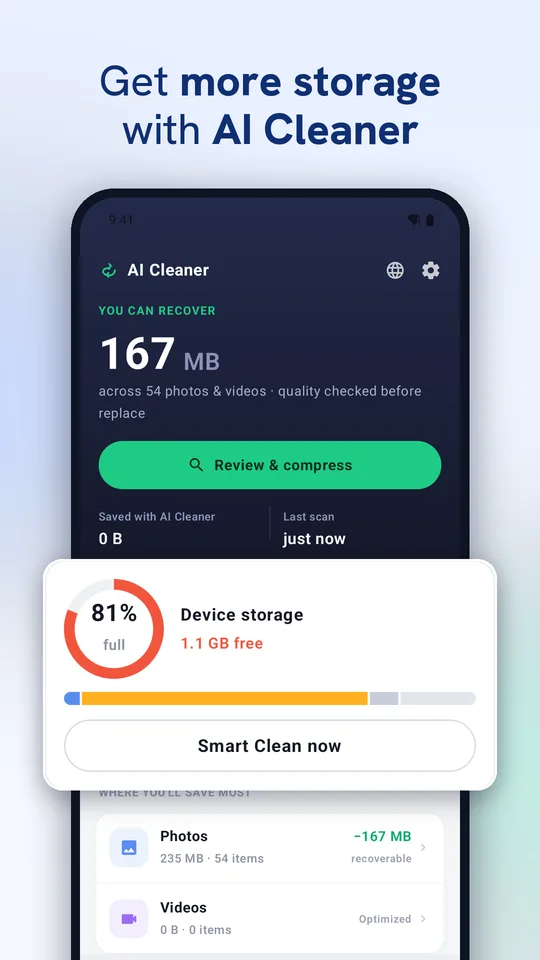
See it in action
Swipe through the app.
Everything to clean your phone
One app instead of five.
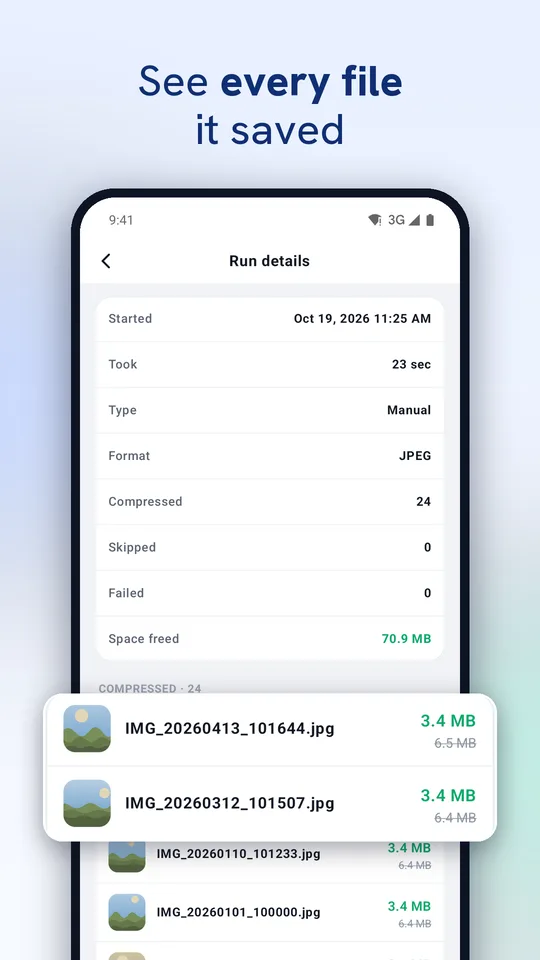
Photo & video compressor
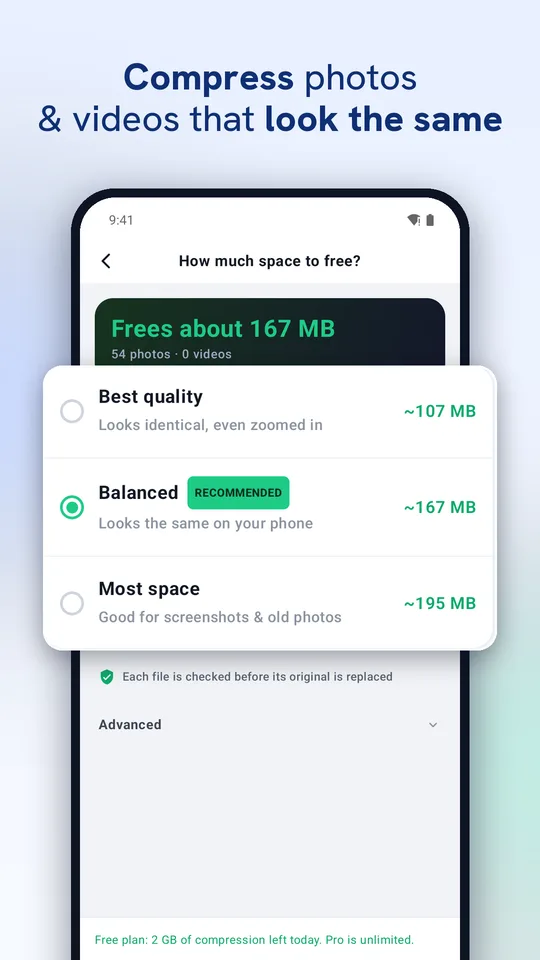
Smart WebP and HEVC compression frees a large share of each file. Every file is checked before it replaces the original; GPS, date and camera details are kept.
Duplicate & similar photos
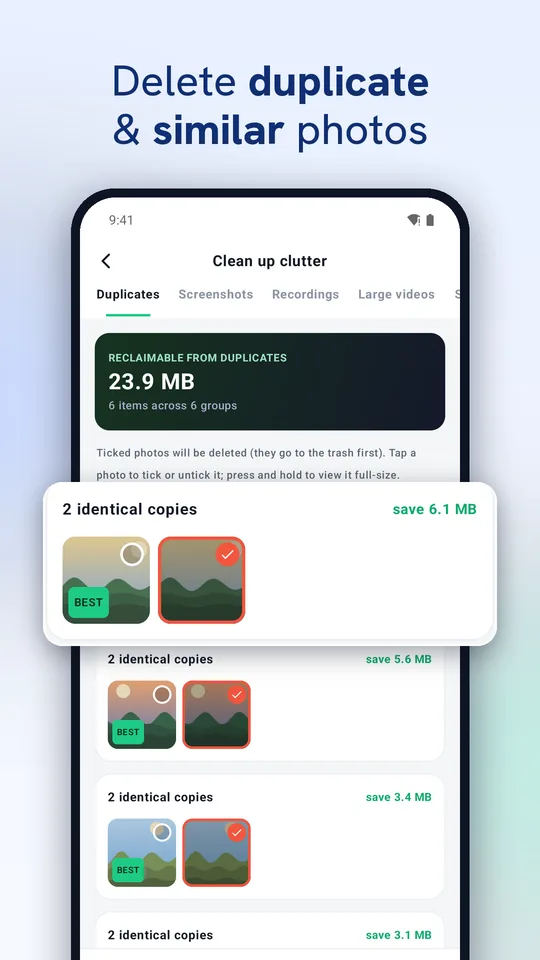
Exact duplicates found for you with the best copy kept. Review similar, blurry and dark shots, screenshots and big videos before anything is deleted.
Smart Clean PRO
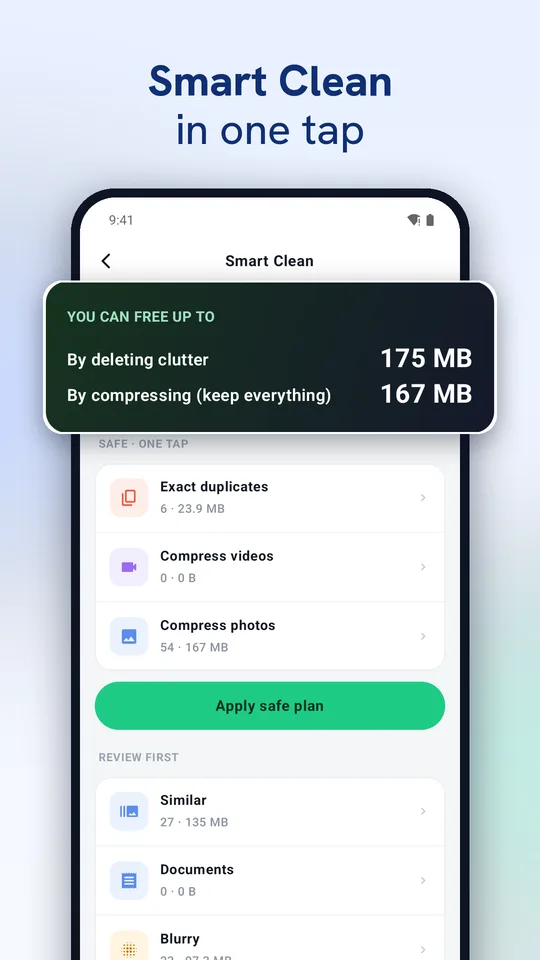
See how much you can free at a glance and apply the safe plan in one tap.
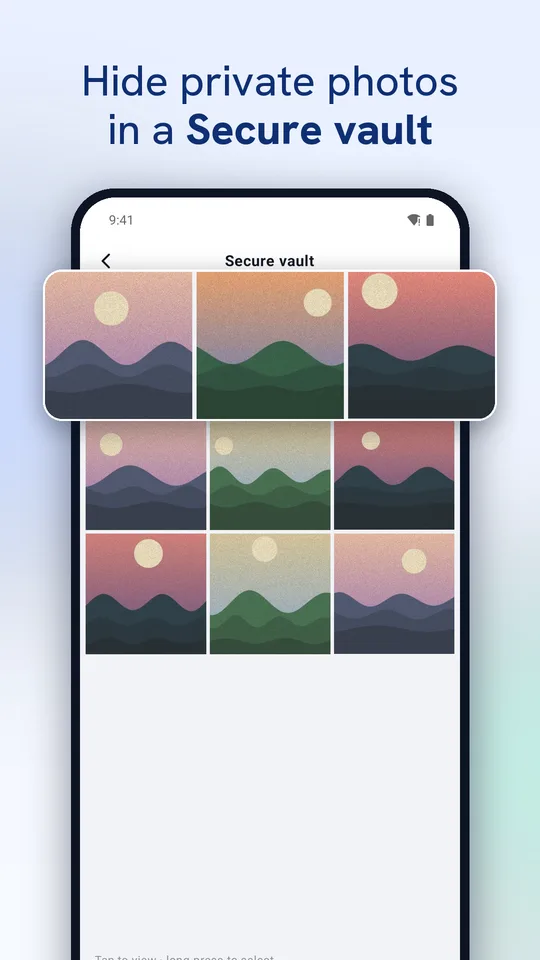
Secure vault
Move private photos and videos out of your gallery behind a PIN. Encrypted on your phone, never uploaded, restore any time.
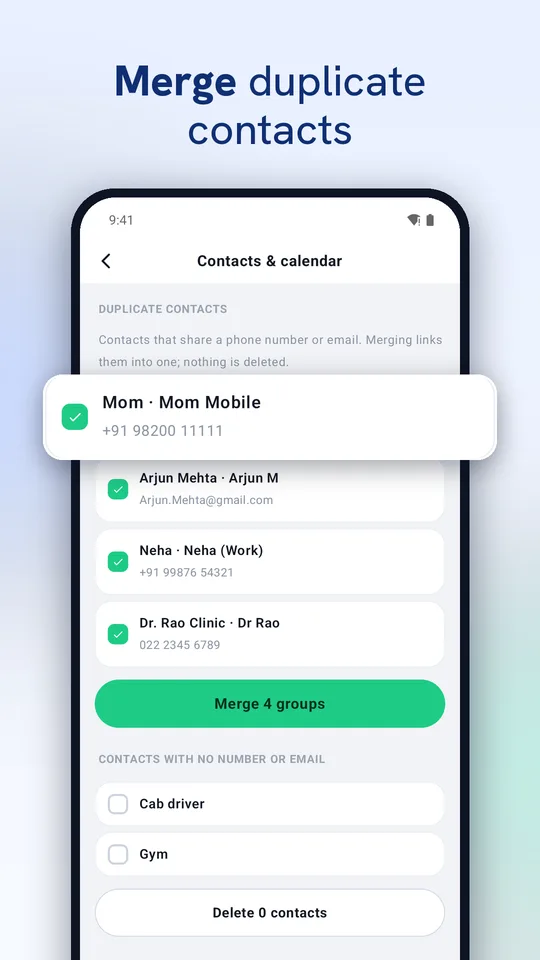
Contacts & calendar
Merge contacts that share a number or email (nothing is deleted) and remove events that ended long ago.
App manager
Spot apps you haven't opened in months, see how much space each one uses, and uninstall what you don't need.
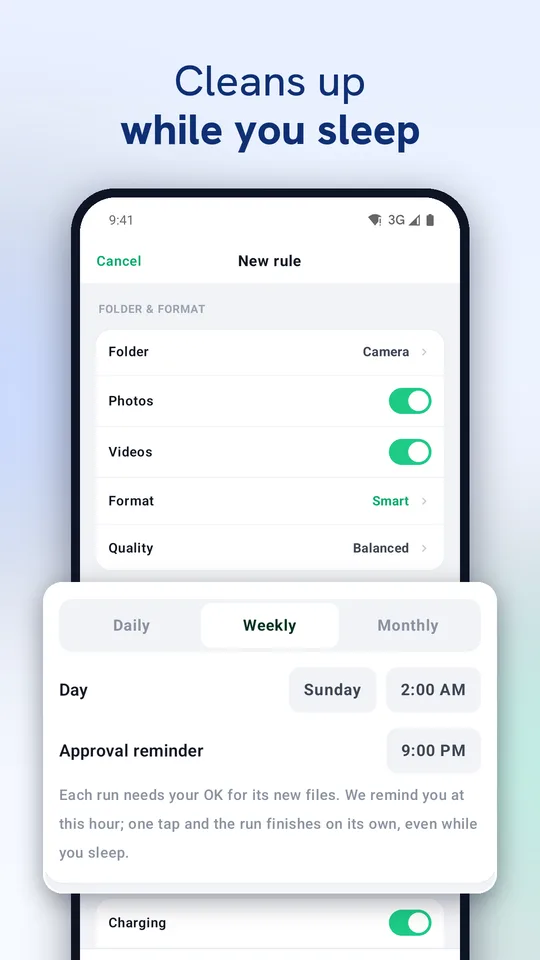
Cleans while you sleep PRO
Pick a folder and a schedule; new photos are compressed overnight while your phone charges.
Safe by default
Originals go to an on-device recycle bin so you can undo, and deleted photos go to your phone's trash first.
In your language
English, हिन्दी, Español, Português, Français, Bahasa Indonesia, 日本語, Русский, 中文 and العربية.
Private by design
Your photos, contacts and calendar are processed on your phone and never uploaded.
- No cloud processing: compression, AI clean-up and the vault all run on the device.
- The app shows ads on the free plan; see exactly what's shared in our privacy policy.
- Delete your account and purchase data any time: delete account.
Free, or go Pro
Start free. Upgrade only if you want more.
Free
With ads
- Compress up to 2 GB a day
- Duplicate, similar and blurry photo clean-up
- Secure vault, contacts & calendar, app manager
MemoryMedic Pro
Yearly with a 7-day free trial, monthly, or one-time lifetime
- No daily limit
- No ads
- One-tap Smart Clean
- Scheduled auto clean-ups
Prices are shown in Google Play in your currency. Subscriptions renew until cancelled; cancel any time in Google Play › Subscriptions. Pro is tied to your Google account, so it follows you to a new phone.
What people say
Real reviews from Google Play.
Super smart and easy way… well thought app… great work.
Simply awesome.
Tried MemoryMedic? Leave a review on Google Play.
Questions
How do I free up storage on my phone?
Open MemoryMedic and tap Review & compress. It shrinks your photos and videos in place and shows how much you'll get back before anything changes. Smart Clean also finds duplicates and clutter.
Will my photos lose quality?
The recommended Balanced setting looks the same on your phone, and every file is checked before it replaces the original. You can preview a before/after sample first.
How do I find duplicate photos?
Open Smart Clean. MemoryMedic groups exact duplicates and similar shots and keeps the best one; nothing is deleted until you confirm.
Can I undo?
Yes. Originals are kept in an on-device recycle bin (7 days by default), and photos you delete go to your phone's trash first.
What happens to the vault if I uninstall the app?
Vault files are stored only inside the app on your phone. Restore them to your gallery before uninstalling; Android also offers to keep app data when you uninstall.
Which phones are supported?
Android 8.0 and newer.
Guides
Free up gigabytes today